(888) 737-7690

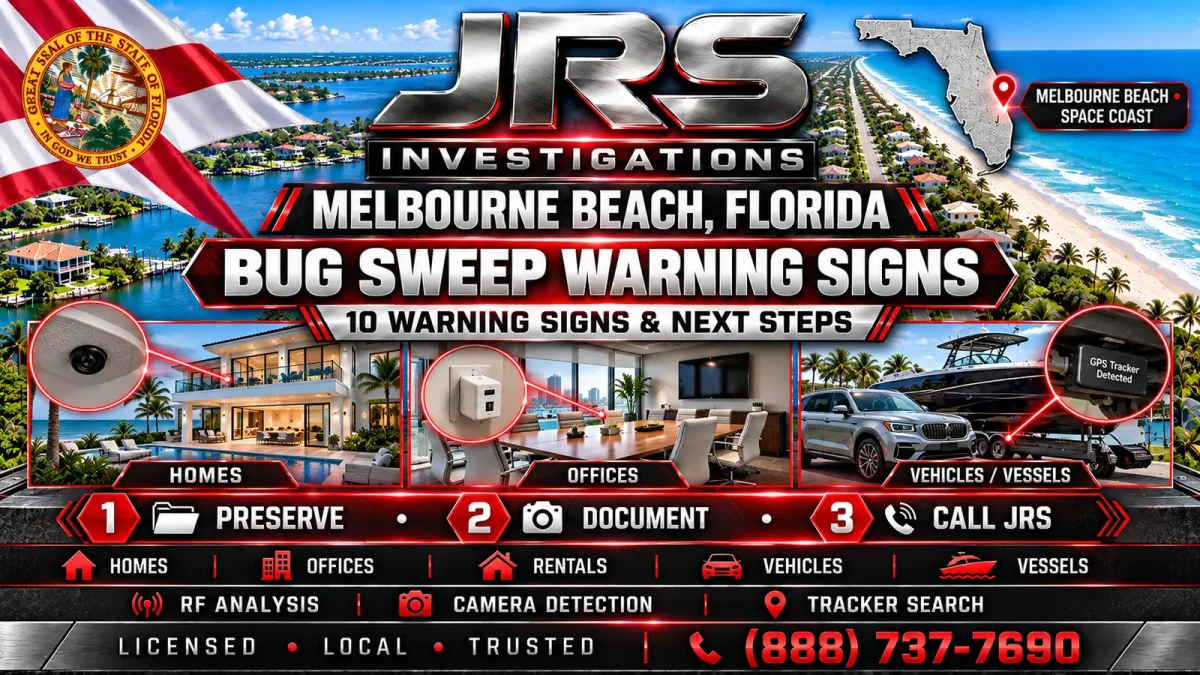
Melbourne Beach Bug Sweep: 10 Warning Signs & Next Steps
Privacy concerns often begin with a pattern: a confidential conversation is repeated by someone who was not present, an unfamiliar object appears in a sensitive room, or a vehicle seems to be tracked with information that should not be available. One odd event does not prove surveillance, but a series of specific facts may justify a professional Melbourne Beach bug sweep.
This guide explains ten warning signs, the steps to take before an inspection and the realistic limits of technical surveillance countermeasures. JRS Investigations provides confidential TSCM services for authorized homes, condominiums, rental properties, offices, vehicles and vessels in Melbourne Beach and surrounding Space Coast communities.
The goal is not to create fear or label every electronic problem as a hidden device. It is to help clients separate ordinary technical issues from circumstances that deserve a disciplined, evidence-aware evaluation.
For a nearby Space Coast comparison, see what clients can expect during a professional Cocoa Beach TSCM bug sweep.
1. Private Information Repeatedly Reaches the Wrong Person
A strong privacy concern usually involves information, not just a feeling. Pay attention when precise details from private conversations, meetings, schedules or plans repeatedly become known to someone who should not have access. One coincidence may have a simple explanation. A recurring pattern tied to a particular room, vehicle, device or time period is more useful when planning an inspection.
Document the date, the information disclosed, who originally knew it and how you learned it had spread. Avoid adding assumptions. A short factual timeline gives the examiner better context than a broad statement that “someone knows everything.”
2. An Unfamiliar Device Appears in a Sensitive Area
Small electronic items can be mistaken for chargers, adapters, alarm components, power supplies or smart-home accessories. An unfamiliar object near a bedroom, office, conference space, entrance or other private area deserves verification, particularly when no one can explain who installed it.
Do not immediately open, unplug or discard the item. Photograph it in place if doing so is safe, note when it was first observed and limit unnecessary handling. A legitimate maintenance or security device can often be identified quickly. If it is suspicious, preserving its original condition may matter.
3. Fixtures or Electronics Look Recently Disturbed
Misaligned outlet covers, unexplained holes, freshly moved furnishings, disturbed ceiling fixtures or altered electronics can attract attention. These details are not proof of surveillance. Renovation work, humidity, salt exposure, cleaning and ordinary maintenance can create similar conditions in coastal properties.
The useful question is whether the change is unexplained and connected to recent access by another person. Record what changed and resist repeatedly dismantling the area. A professional inspection should begin with the environment as close as possible to its normal condition.
4. There Was Unexplained Access to the Property or Vehicle
Hidden devices usually require placement, retrieval, maintenance or power. A concern becomes more significant when someone had unmonitored access to the home, rental, office, vehicle or vessel shortly before private information began leaking.
Relevant access can include a former partner retaining a key, an unauthorized visitor, a contractor entering an unexpected area, a vehicle being left with another person or a rental property changing occupants. Preserve access logs, messages, doorbell video and service records when available. Do not accuse an individual solely because access was possible.
5. A Phone Reports an Unknown Tracking Device
Modern phones may warn that a compatible Bluetooth tracker appears to be moving with the user. Treat the alert seriously, but understand its limits. The notification may identify a misplaced personal item, a nearby family device or a tracker attached to borrowed property. It also does not detect every tracking technology.
Save screenshots showing the alert, date, time and map information. Follow the phone manufacturer’s safety guidance when immediate risk is involved. A vehicle or property inspection may still be appropriate because cellular GPS trackers, passive data loggers and other devices can operate differently.
6. Vehicle Location or Travel Details Are Known Without Explanation
Repeated knowledge of routes, stops or arrival times may point to several possibilities: shared account access, a vehicle application, location sharing, a Bluetooth tag, a cellular tracker, a passive GPS logger or in-person surveillance. A bug sweep should not assume the answer before the evidence is evaluated.
Review legitimate sharing settings and authorized vehicle users, but avoid making major changes immediately if they could destroy useful information. JRS can help define whether the assignment requires a physical vehicle inspection, a broader privacy review or a separate digital-forensic resource.
7. Cameras or Smart Devices Behave Differently
Unexpected indicator lights, changed camera angles, new account notifications or altered smart-home settings may deserve attention. Ordinary causes are common: automatic updates, weak connections, power interruptions, shared credentials or equipment failure.
Preserve screenshots and account notices. Do not assume a blinking light means a hidden camera is actively recording. The concern may involve the device itself, a compromised account or a network configuration rather than a concealed physical device.
8. Unexplained Sounds or Interference Occur
Buzzing, clicking, static or interference can be unsettling, but these symptoms have many innocent causes. Chargers, lighting controls, appliances, marine electronics, wiring problems and nearby transmitters can all create noise. Modern surveillance devices may also operate without producing any audible symptom.
Note when and where the interference occurs and which equipment is operating. Do not rely on sound alone as evidence. RF analysis and source verification are needed to determine whether a signal or electrical condition deserves further investigation.
9. Unknown Devices Appear on a Network
A router or network application may display unfamiliar names. Those entries can represent televisions, printers, appliances, cameras, guest phones or devices using randomized identifiers. An unknown entry is a reason to identify equipment, not automatic proof of eavesdropping.
Capture the device name, address information and time observed before resetting the network. Where authorized, a TSCM assignment may include relevant network-equipment review, but account compromise and cybersecurity concerns can require a different specialist.
10. The Concern Follows a Specific Event or Dispute
Timing can provide valuable context. Privacy concerns sometimes begin after a separation, employment dispute, competitive business conflict, litigation, property turnover or disclosure of valuable information. The event does not prove that surveillance occurred, but it can help prioritize rooms, devices, vehicles and access periods.
Give the examiner facts that can be evaluated: who had authorized access, what changed, when the concern began and what information appears compromised. A focused scope produces better results than an unlimited search based on speculation.
What to Do Before a Melbourne Beach Bug Sweep
Preserving the environment is often more useful than trying to investigate it yourself. Before the appointment:
- write a factual timeline of the strongest incidents;
- save relevant messages, alerts, photographs and access records;
- make a list of expected electronics and smart devices;
- identify who can lawfully authorize inspection of each location or vehicle;
- avoid publicly announcing the planned sweep;
- do not confront a suspected person based only on suspicion;
- leave questionable objects in place unless safety requires action.
JRS may provide additional instructions after the confidential consultation. Do not shut down Wi-Fi, remove batteries or rearrange rooms unless specifically advised. Normal operating conditions can help the examiner understand what belongs in the environment.
What a Professional TSCM Inspection May Include
A competent sweep does not depend on a single detector. The agreed scope may combine RF spectrum analysis, physical inspection, hidden-camera checks, evaluation of accessible wiring and fixtures, review of relevant network equipment and targeted examination for passive recorders or trackers.
The methods change with the location. A residence may prioritize bedrooms, living areas and home offices. A company may focus on conference rooms, executive spaces and communication equipment. A rental may contain unfamiliar legitimate devices. Vehicles and vessels require separate access, time and inspection planning.
For a detailed explanation of the device categories involved, review the JRS guide to five device types checked during a Melbourne Beach TSCM sweep. Clients can also review the dedicated Melbourne Beach TSCM service page, Florida TSCM coverage and JRS counter-surveillance services.
Realistic Limits Protect the Client
A sweep can identify devices, signals, modifications and vulnerabilities that are present or detectable during the inspection. It cannot prove that monitoring never occurred, guarantee that a device will not be introduced later or resolve every digital-account concern.
Some equipment may be inactive, removed before the appointment or located outside the authorized inspection area. A compromised email, cloud account or phone may require digital-forensic or cybersecurity work. JRS explains these boundaries so clients receive usable findings instead of exaggerated promises.
Melbourne Beach Bug Sweep FAQs
Does one warning sign mean I am being monitored?
No. Most warning signs have several possible explanations. A pattern of specific events, credible access and information loss provides a stronger reason for a professional consultation.
Can I search with a consumer detector first?
Consumer tools can react to legitimate Wi-Fi, cellular and Bluetooth signals and may miss passive or hardwired devices. Improper use can create false confidence or unnecessary alarm.
Can JRS inspect a condominium or rental property?
Yes, when the client has lawful authority over the area being inspected. Shared systems, common areas and another person’s property may require separate permission.
Will the inspection damage walls or equipment?
The normal approach is controlled and non-destructive. Any invasive step should be justified, discussed and authorized before it occurs.
What happens if a suspicious device is found?
JRS documents the circumstances and discusses appropriate next steps. Handling may depend on safety, ownership, evidentiary concerns, legal advice and whether law enforcement should be involved.
Request a Confidential Consultation
JRS Investigations provides licensed, local and trusted support for privacy concerns in Melbourne Beach and across Florida’s Space Coast. To discuss a home, office, rental, vehicle or vessel, call (321) 608-9165. A focused consultation can determine whether a TSCM inspection, a different investigative service or another technical resource best fits the facts.
JRS Investigations in Melbourne: Melbourne private investigator